
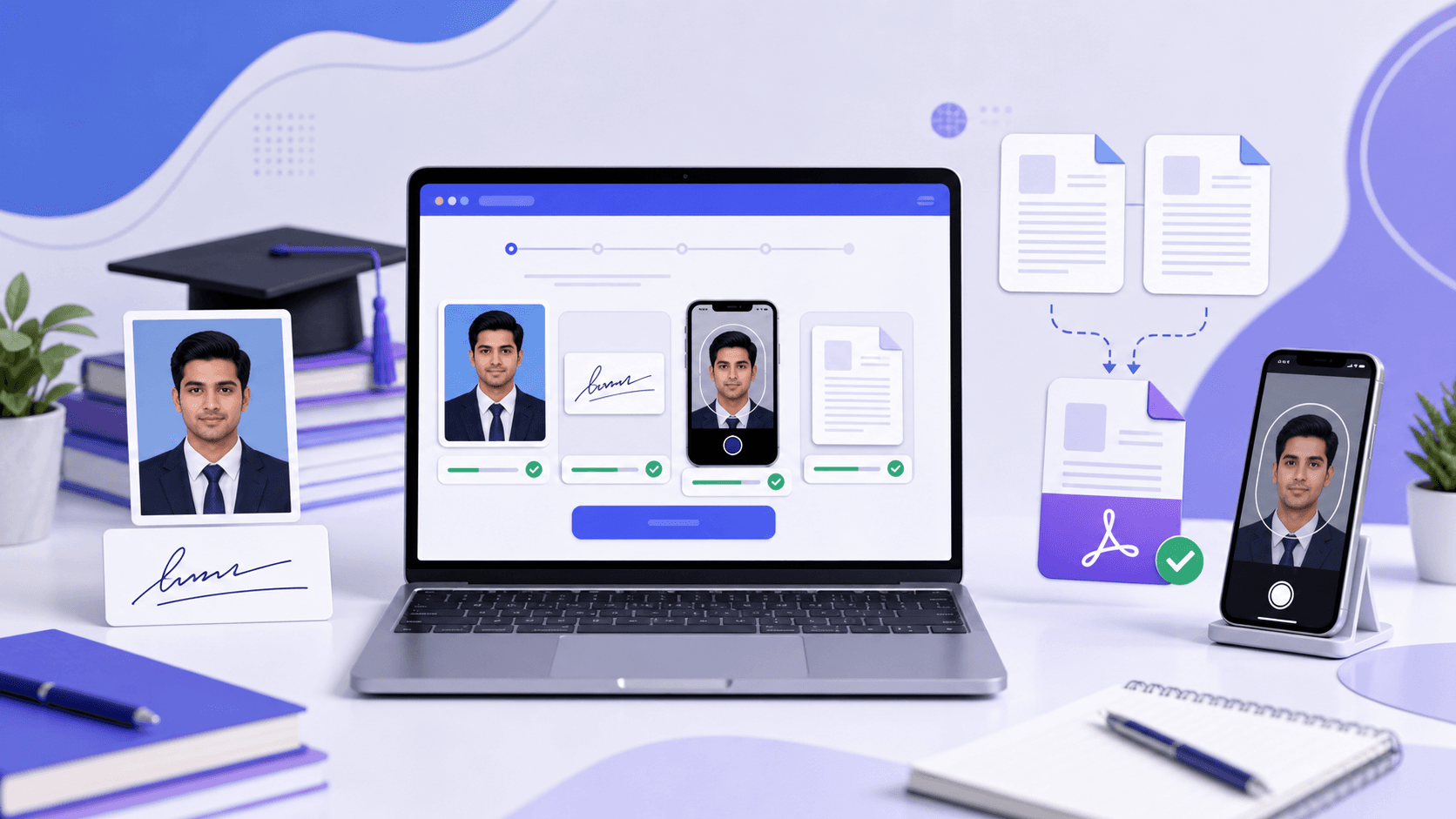
Need to prepare the file now?
Open PDF Size ToolLast verified: 19 June 2026
Exam: UGC NET June 2026
Conducting body: National Testing Agency
Use this guide for: Photograph, signature, live photograph, and PwD/PwBD certificate uploads.
The UGC NET June 2026 application process is online, including registration, form filling, document uploads, fee payment, and confirmation-page download. Upload errors commonly happen when a photograph or signature has the wrong format, file size, background, or clarity.
This guide explains the UGC NET June 2026 photograph, signature, live-photo, and PwD/PwBD certificate requirements in a practical format.
UGC NET June 2026 upload size requirements
| Upload item | Format | Required size |
|---|---|---|
| Passport-size photograph | JPG/JPEG | 10KB–200KB |
| Signature | JPG/JPEG | 10KB–50KB |
| PwD/PwBD disability certificate or UDID | 50KB–300KB | |
| Live photograph | Portal capture | As accepted by the portal |
Upload each document in its matching field. A correctly prepared file can still cause trouble when it is selected in the wrong upload slot.
UGC NET June 2026 photograph size
The scanned passport-size photograph must be in JPG or JPEG format and between 10KB and 200KB. Use a recent identity photograph with a white background. The face should fill about 80% of the frame, including visible ears.
| File type | JPG/JPEG |
|---|---|
| File size | 10KB–200KB |
| Background | White |
| Face visibility | About 80% of the photograph, including ears |
| Not accepted | Face covering, cap, goggles, Polaroid, or computer-generated photograph |
| Spectacles | Allowed if regularly used |
Avoid filters, beauty effects, face smoothing, heavy shadows, masks, and artificial background editing. This is an identity photograph and may be used during later verification.
Use the UGC NET Photo and Signature Resizer to prepare the image, then open the downloaded file and confirm that the face remains sharp.
UGC NET June 2026 signature size
The scanned signature must be in JPG or JPEG format and between 10KB and 50KB. Sign naturally in running handwriting on white paper with blue or black ink. A full name written in capital letters is not accepted as a signature.
- Sign clearly on clean white paper using blue or black ink.
- Scan it or take a sharp, straight photograph in even light.
- Crop the extra blank area while leaving a small margin.
- Resize it to 10KB–50KB and save it as JPG/JPEG.
- Preview the result and ensure the signature is not faded, broken, or pixelated.
The same UGC NET upload tool can prepare the signature with the correct target range.
UGC NET June 2026 live photograph
The live photograph is captured during form filling and is separate from the scanned passport photo. Before starting, clean the camera lens, use a bright room, and allow camera access in the browser.
- Use a plain light or white background.
- Keep your face centered and look directly at the camera.
- Remove caps, goggles, masks, and other face coverings.
- Avoid strong backlight, filters, and virtual backgrounds.
- Use a stable internet connection while capturing the image.
If capture fails, check browser permissions, lighting, camera quality, and network stability before trying again.
UGC NET PwD/PwBD certificate PDF size
Candidates applying under the PwD/PwBD category may need to upload the disability certificate or UDID. Include both required sides in one PDF sized between 50KB and 300KB.
Quality check: Names, certificate number, disability details, issuing authority, dates, seals, and signatures must remain readable after compression.
Combine both sides first, then use the Compress PDF tool to bring the document inside the accepted range without making it unreadable.
Why UGC NET photo uploads fail
1. The file is larger than 200KB
Phone photos are often several megabytes. Resize or compress the image while preserving facial detail.
2. The file is smaller than 10KB
Over-compression can remove facial detail. Keep the result inside the range instead of pushing it far below the minimum.
3. The format is wrong
Convert PNG, WebP, HEIC, PDF, or screenshot files to JPG/JPEG before uploading.
4. The background or framing is unsuitable
Use a white background and a front-facing photograph where the face occupies most of the frame.
5. The face is obscured or unclear
Blur, shadows, filters, face coverings, caps, and goggles can interfere with identity verification.
Why UGC NET signature uploads fail
- The file is outside the 10KB–50KB range.
- The image is PNG or PDF instead of JPG/JPEG.
- The name is written in capital letters rather than running handwriting.
- The scan is blurry, crooked, shadowed, or surrounded by too much blank space.
- The ink has low contrast or the file was compressed until the strokes broke apart.
Use clear file names
Clear names reduce the chance of selecting the wrong document:
ugc-net-photo.jpgugc-net-signature.jpgugc-net-pwd-certificate.pdfugc-net-udid-certificate.pdf
UGC NET upload preparation workflow
- Prepare the originals: Keep the passport photo, signature, and applicable certificate ready.
- Check formats: Photo and signature must be JPG/JPEG; the PwD/PwBD document must be PDF.
- Resize correctly: Photo 10KB–200KB, signature 10KB–50KB, and certificate 50KB–300KB.
- Preview every file: Check the face, background, ears, signature strokes, certificate text, and final file size.
- Upload carefully: Confirm each portal preview before continuing.
- Save the confirmation page: Download it after successful submission.
Prepare your UGC NET files before final submission
Resize the photograph and signature, then compress any applicable certificate while everything is still easy to review.
Open Government Form ToolsUGC NET June 2026 upload checklist
- ☐ Photo is JPG/JPEG and between 10KB and 200KB.
- ☐ Photo has a white background and the face fills about 80% of the frame.
- ☐ Ears are visible and no cap, goggles, mask, or face covering is used.
- ☐ Signature is JPG/JPEG and between 10KB and 50KB.
- ☐ Signature is clear running handwriting in blue or black ink.
- ☐ Applicable PwD/PwBD certificate is one readable PDF between 50KB and 300KB.
- ☐ The live photograph can be captured clearly.
- ☐ Every portal preview has been checked.
- ☐ The confirmation page is saved after submission.
Final advice
UGC NET document preparation is not only about hitting a KB target. Each file also needs the correct format and enough clarity for identity or certificate verification. Prepare and preview the files before opening the final application steps, and keep matching passport photographs for later exam use.
Frequently asked questions
What is the UGC NET June 2026 photo size?
The photograph should be JPG/JPEG and between 10KB and 200KB.
What is the UGC NET June 2026 signature size?
The signature should be JPG/JPEG and between 10KB and 50KB.
What background is required?
Use a white background with the face clearly visible, including the ears.
Can I wear spectacles?
Spectacles are allowed when regularly used. Caps, goggles, masks, and face coverings should not be used.
Can I upload a computer-generated or Polaroid photo?
No. Use a proper recent passport-style photograph.
Can I write my name in capital letters as a signature?
No. The signature should be in natural running handwriting.
What is the PwD/PwBD certificate size?
Upload the applicable certificate or UDID as one PDF between 50KB and 300KB, including both required sides.