
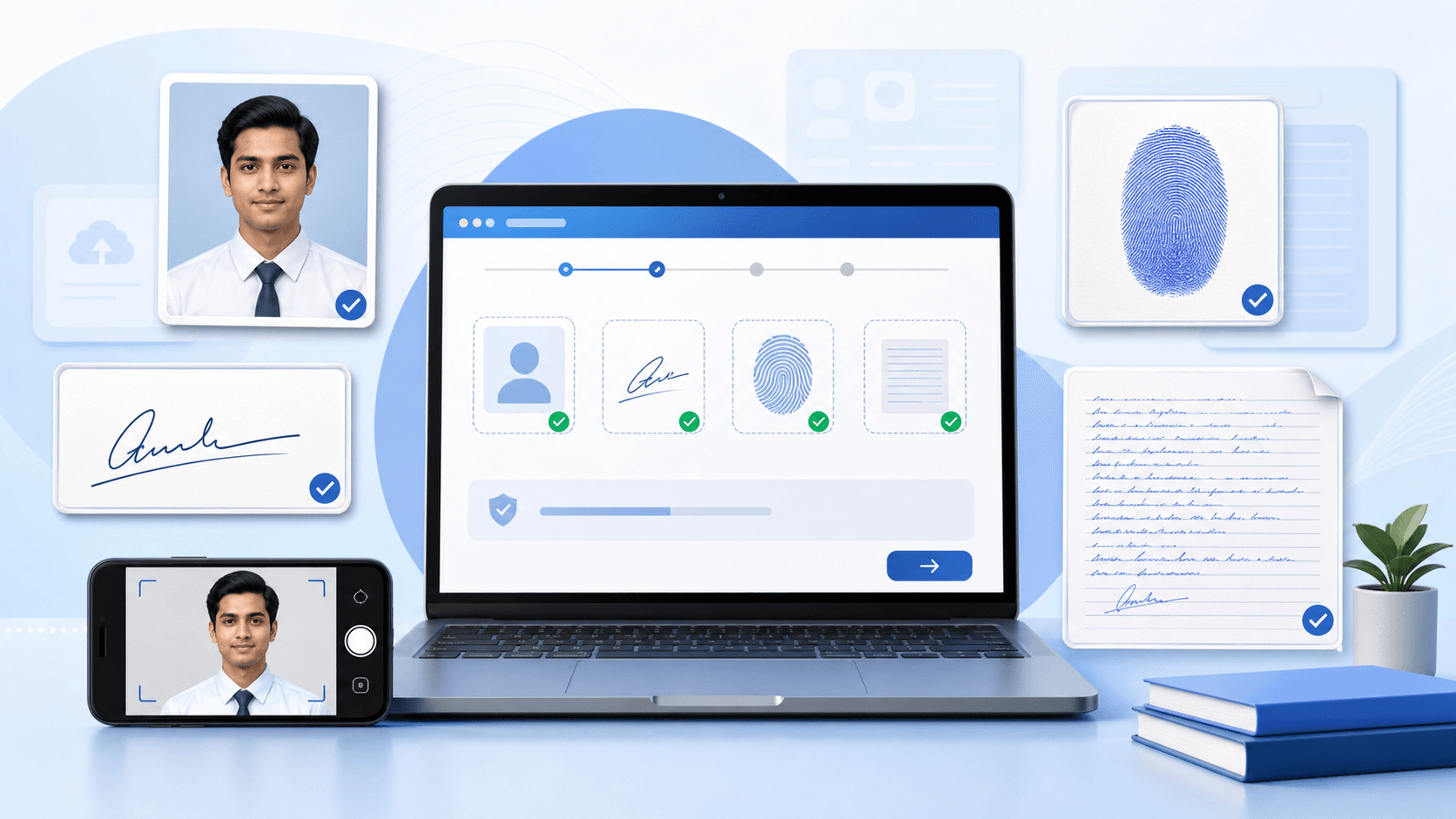
Need to prepare the file now?
Open SBI Upload PackLast updated: June 20, 2026
Official notice date: June 18, 2026
Source: SBI Advertisement CRPD/PO/2026-27/09
Coverage: Photograph, signature, left-hand thumb impression, handwritten declaration, live photo, certificates, and PDF preparation.
Important: Check the latest notification, corrigendum, and on-screen instructions on SBI Careers before submitting. UploadReady.in is an independent tool website and is not affiliated with or endorsed by State Bank of India.
Applying for SBI PO 2026 is not difficult, but the document upload step is where many candidates lose time. The portal accepts each file only when its format, size, dimensions, and clarity meet the stated requirements.
This guide explains the verified upload specifications in SBI advertisement CRPD/PO/2026-27/09, dated June 18, 2026. Where that source does not give a certificate or PDF limit, the guide says so instead of guessing.
SBI PO 2026 document size requirements
| Document | Format | Minimum size | Maximum size | Dimensions | Quality rules | Upload notes |
|---|---|---|---|---|---|---|
| Photograph | JPG/JPEG | 20KB | 50KB | 200 × 230 px preferred | Recent colour photo; face clearly visible | Preview after upload |
| Signature | JPG/JPEG | 10KB | 20KB | 140 × 60 px preferred | Applicant's signature; black ink on white paper | Capital-letter signature not accepted |
| Left-hand thumb impression | JPG/JPEG | 20KB | 50KB | 240 × 240 px at 200 DPI preferred | Black or blue ink on white paper; ridges visible | Use the alternative-hand instruction if applicable |
| Handwritten declaration | JPG/JPEG | 50KB | 100KB | 800 × 400 px at 200 DPI preferred | Written by the applicant in English, black ink, white paper | Capital-letter declaration not accepted |
| Live photograph | Portal capture | Not specified in the source | Not specified in the source | Portal capture frame | Face centered, well lit, no face covering | Capture by webcam or supported mobile workflow |
| Certificates/supporting documents | Not specified in the cited upload annexure | Not specified in the source | Not specified in the source | Not specified in the source | Keep originals readable and ready for later verification | Follow any field-specific portal instruction |
| PDF documents | Not specified in the cited upload annexure | Not specified in the source | Not specified in the source | Not specified in the source | Names, dates, seals, and every page must remain readable | Do not upload a PDF into an image-only field |
Each upload field is separate. Put the photograph in the photo field, the signature in the signature field, the thumb impression in its field, and the declaration in the declaration field. Rename the files clearly before uploading to avoid a mix-up.
SBI PO 2026 photograph size and rules
The photograph should be a recent passport-style colour image. Use a clear, front-facing photo against a light background. The preferred dimensions are 200 × 230 pixels, and the file must be 20KB–50KB in JPG or JPEG format.
- Keep your face centered, relaxed, and directly facing the camera.
- Avoid a dark background, harsh shadows, blur, sunglasses, caps, and face coverings.
- Use a recent photo that matches your current appearance.
- Check the downloaded image at full size before uploading.
Photo target
200 × 230 pixels · 20KB–50KB · JPG/JPEG · colour · light background
Prepare it with Resize Photo to 50KB or the dedicated SBI Photo and Signature Resizer.
SBI PO 2026 signature size and rules
Sign on plain white paper with a black ink pen. The signature must be your own and must not be written in capital letters. The preferred dimensions are 140 × 60 pixels, and the file size must be 10KB–20KB.
- Write a clear signature on clean white paper.
- Scan it or take a sharp, straight photo in even light.
- Crop tightly around the signature, leaving a small margin.
- Resize and preview it so the strokes remain solid and readable.
Signature target
140 × 60 pixels · 10KB–20KB · JPG/JPEG · black ink · white background
Use Resize Signature to 20KB and avoid compressing so heavily that the lines fade or break.
SBI PO 2026 left-hand thumb impression
The left-hand thumb impression must be uploaded separately. Use black or blue ink on white paper. The preferred dimensions are 240 × 240 pixels, and the file size must be 20KB–50KB.
Apply a small, even amount of ink and press once without sliding your thumb. The ridge lines should be visible; a dark blob or smudged impression is not a good upload. If you do not have a left thumb, follow the alternative-hand instruction in the official notification.
Crop and resize it with the Thumb Impression Resizer.
SBI PO 2026 handwritten declaration
The handwritten declaration must be written by the candidate in English on white paper using black ink. It must not be written in capital letters. The preferred dimensions are 800 × 400 pixels, and the file size must be 50KB–100KB.
Important: Copy the declaration wording exactly from the current SBI PO 2026 notification or application instructions. Do not rely on an old exam notice, memory, or a forwarded message.
Keep the paper straight while scanning or photographing it. Crop unnecessary blank margins, then open the final file and zoom in to confirm that every word remains readable.
Prepare this file with the Handwritten Declaration Resizer.
Certificates and supporting documents
The cited image-upload annexure does not specify a general certificate upload format, file-size range, or pixel dimension for the initial application. Keep category, disability, education, and identity documents readable and ready for any later verification stage that applies to you.
If the application portal shows a certificate field, follow that field's current instruction. Do not apply the photo or declaration limits to a certificate unless SBI explicitly says to do so.
PDF documents
A general PDF upload limit is not specified in the cited Annexure II. If a later SBI step asks for a PDF, check the permitted size, page count, and format shown for that step.
- Keep names, dates, registration numbers, marks, seals, and signatures readable.
- Remove password protection only when you are authorised to do so and the portal cannot accept the protected file.
- Do not merge documents when SBI provides separate upload fields.
- Keep an unchanged copy of every original document.
SBI PO 2026 live photograph upload
In addition to the scanned photograph, SBI PO 2026 registration requires a live photograph during the application process. It can be captured with a webcam or, where the portal provides the option, by scanning a QR code and using a mobile phone.
- Stand or sit against a light-coloured background.
- Keep enough light on your face and look straight at the camera.
- Do not wear sunglasses, a cap, or anything covering your face.
- Keep your face centered inside the portal's capture frame.
- Allow camera permission in your browser when prompted.
Why SBI PO uploads fail
1. File size is outside the range
A 90KB photograph will fail when the maximum is 50KB. A file that is too small may become unreadable. Keep it inside the stated range.
2. The format is wrong
PNG, WebP, HEIC, and PDF files may not work in fields that require JPG or JPEG. Convert the image before uploading.
3. The wrong file is in the wrong slot
Use clear names such as sbi-po-photo.jpg, sbi-po-signature.jpg, sbi-po-thumb.jpg, and sbi-po-declaration.jpg.
4. The image is blurry
Correct KB size cannot fix a poor original. Start again with a sharper scan or photo if facial details, signature strokes, fingerprint ridges, or declaration text are unclear.
5. There is too much blank space
Crop signatures, thumb impressions, and declarations close to their useful content before resizing.
6. Dimensions do not match
Use the preferred pixel dimensions from the June 18, 2026 notice and check that width and height have not been swapped.
7. Signature or declaration uses capital letters
Prepare a natural signature and a declaration in normal handwriting. The notice says capital-letter versions will not be accepted.
8. Thumb impression is smudged
Create a fresh impression using a small, even amount of ink. Press once without sliding and confirm that fingerprint ridges are visible.
9. Live-photo capture does not start
Allow camera permission, use a supported current browser, check lighting, and try the mobile QR workflow if the application page provides it.
10. Image preview is unclear or missing
Do not submit immediately. Re-upload the correct file and use the portal preview to confirm that the image is clear and in the correct field.
Recommended scanning settings
- Resolution: 200 DPI is specified for the preferred thumb-impression and declaration dimensions; use the notice values for each asset.
- Colour mode: true colour
- Background: clean white paper
- Format: JPG/JPEG
- Framing: straight, sharp, evenly lit, and closely cropped
Prepare all SBI PO upload files
- Prepare originals: Keep your passport photo, signature, thumb impression, and handwritten declaration ready.
- Crop carefully: Remove unnecessary margins without cutting off useful content.
- Resize each file: Use the correct pixel dimensions and KB range from the table above.
- Download and preview: Confirm clarity, format, dimensions, and file size.
- Upload to the correct field: Review every portal preview before final submission.
UploadReady.in tool workflow
- Use the photo resizer for the verified 20KB–50KB range.
- Use the signature resizer for the verified 10KB–20KB range.
- Prepare the fingerprint with the left-thumb impression resizer.
- Prepare the written statement with the handwritten declaration resizer.
- If a later step requests a PDF, use the PDF compressor only after checking that step's stated limit.
- Convert document photos with the image-to-PDF tool for documents when PDF is explicitly accepted.
- Use the PDF merger for related pages only when the portal asks for one combined file.
- Run each output through the form file checker, then inspect the SBI portal preview.
Related UploadReady.in guides and tools
- Parent category: government-form upload tools
- Complete banking workflow: IBPS and SBI photo, signature, thumb, and declaration pack
- Supporting guide: how to reduce image size without losing important detail
- Supporting guide: how to prepare smaller PDFs for recruitment portals
- Other exam guide: SSC photo and signature preparation guide
- Other exam guide: RRB photo and signature preparation guide
Prepare your files before opening the final form
Use UploadReady.in government-form tools to resize the photo, signature, thumb impression, and declaration in advance.
Open Government Form ToolsSBI PO 2026 upload checklist
- ☐ Photo is a clear, recent JPG/JPEG between 20KB and 50KB.
- ☐ Signature is in black ink, not capital letters, and between 10KB and 20KB.
- ☐ Thumb impression is clear, not smudged, and between 20KB and 50KB.
- ☐ Declaration is handwritten in English, not in capitals, and between 50KB and 100KB.
- ☐ Every file is uploaded in the correct field.
- ☐ Live photograph is centered and clearly captured.
- ☐ All final previews have been checked before submission.
Final advice
Prepare every image before you begin the final submission. Correct file size alone is not enough—the photo, signature, thumb impression, and declaration must also remain clear. Keep copies of the uploaded files, especially the photograph, because they may be needed later in the selection process.
Editorial verification checklist
- ✓ Image requirements are sourced to the SBI notice dated June 18, 2026.
- ✓ Certificate and PDF limits are marked as not specified in the cited source.
- ✓ The SBI Careers page and advertisement number are linked.
- ✓ No affiliation or guaranteed-acceptance claim is made.
- ✓ UploadReady.in tool recommendations match the file-preparation task.
- ✓ Applicants are reminded to check corrections and current portal instructions.
Frequently asked questions
Which official notice is this SBI PO 2026 guide based on?
It is based on SBI advertisement CRPD/PO/2026-27/09, published on June 18, 2026. Check SBI Careers for corrections or newer instructions before submitting.
What is the SBI PO 2026 photograph size?
The notice specifies JPG/JPEG, preferred dimensions of 200 by 230 pixels, and a file size from 20KB to 50KB.
What is the SBI PO 2026 signature size?
The notice specifies preferred dimensions of 140 by 60 pixels and a file size from 10KB to 20KB. The applicant must sign on white paper with black ink.
What is the SBI PO 2026 left-thumb impression size?
The notice specifies JPG/JPEG, preferred dimensions of 240 by 240 pixels at 200 DPI, and a file size from 20KB to 50KB.
What is the SBI PO 2026 handwritten declaration size?
The notice specifies JPG/JPEG, preferred dimensions of 800 by 400 pixels at 200 DPI, and a file size from 50KB to 100KB.
Can the signature or declaration be written in capital letters?
No. The notice says capital-letter signatures and capital-letter handwritten declarations will not be accepted.
Where can I find the declaration wording?
Use the wording shown in the current SBI PO application instructions or official notice. Do not copy it from an old recruitment guide.
Is a live photograph required for SBI PO 2026?
Yes. The 2026 notice describes live-photo capture through a webcam or a mobile device using the application workflow.
Can I upload PNG or PDF in the four image fields?
The notice specifies JPG/JPEG for the photograph, signature, left-thumb impression, and handwritten declaration.
What certificate PDF size is required during the SBI PO 2026 application?
A general certificate or supporting-document PDF upload size is not specified in the cited upload annexure. Follow any field-specific instruction shown in the application portal.
Why does the portal reject a file with the correct KB size?
The format, dimensions, clarity, or selected upload field may still be wrong. Check the complete requirement and preview each image.
Is UploadReady.in affiliated with SBI?
No. UploadReady.in is an independent file-preparation service and is not affiliated with or endorsed by State Bank of India.