
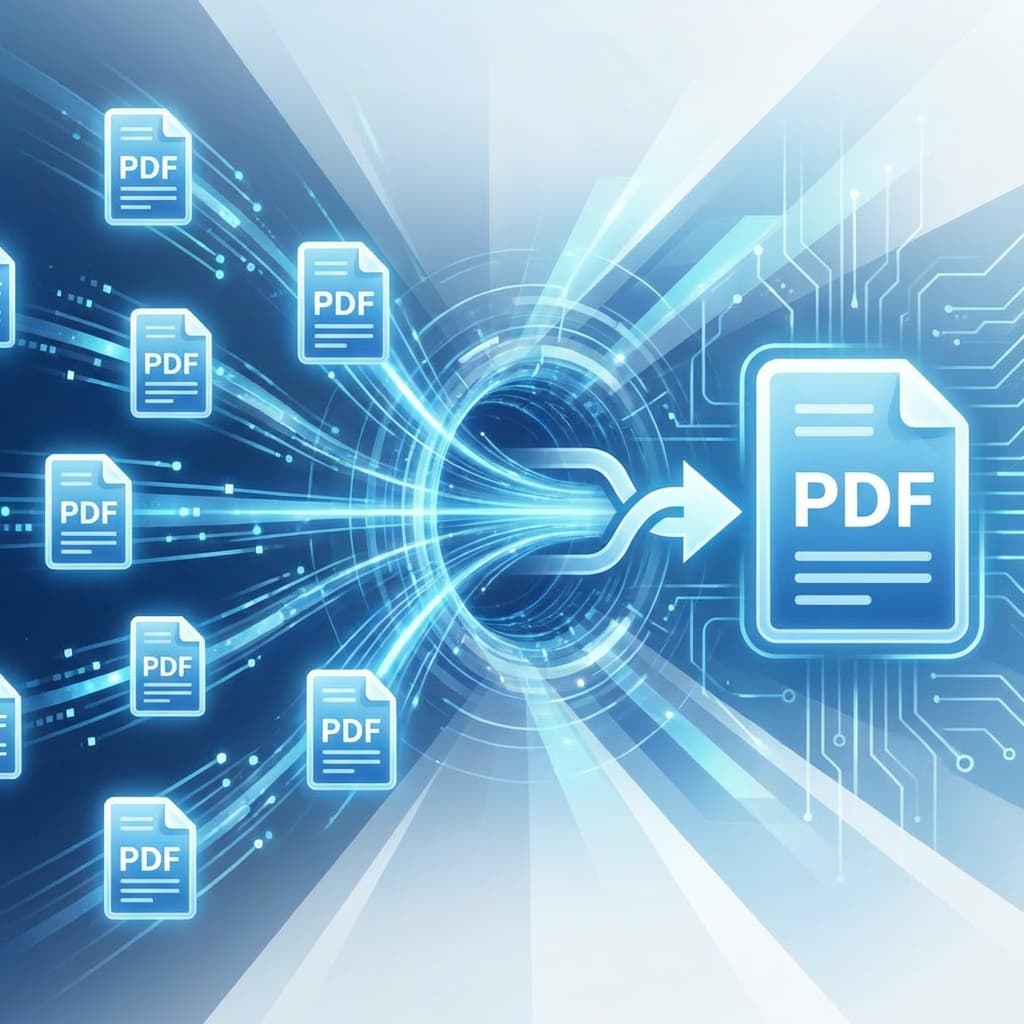
Need to prepare the file now?
Open Merge PDFManagement of multiple PDF documents can quickly become a headache. Whether you're combining monthly reports into an annual summary, merging several chapters into a single eBook, or consolidating scanned receipts for tax purposes, having a reliable PDF merger is essential.
In this guide, we'll show you how to merge PDF files online for free, ensuring that your documents maintain their original quality and formatting.
Why Merge PDF Files?
Merging PDFs isn't just about reducing the number of files on your hard drive. It's about better organization and professional presentation. A single, well-structured document is much easier to share, print, and read than a dozen scattered files.
Step-by-Step Guide to Merging PDFs
Using UploadReady.in's Merge PDF tool is straightforward. Follow these three steps:
- Upload Your Files: Click the "Upload" button and select the PDF files you want to combine. You can also drag and drop them directly into the tool.
- Arrange the Order: Once uploaded, you can drag and drop the file thumbnails to arrange them in the exact order you want them to appear in the final document.
- Merge and Download: Click the "Merge PDF" button. Our servers will process the request in seconds, and your new combined file will be ready for download.
Quality and Security Guaranteed
Merging normally preserves the source PDF pages without re-rendering them. Uploaded and generated files are processed automatically and removed from processing storage after the configured one-hour retention period.
Combine related documents with the UploadReady.in Merge PDF tool.